CRATOROMR Solution
Make a sheet or use yours
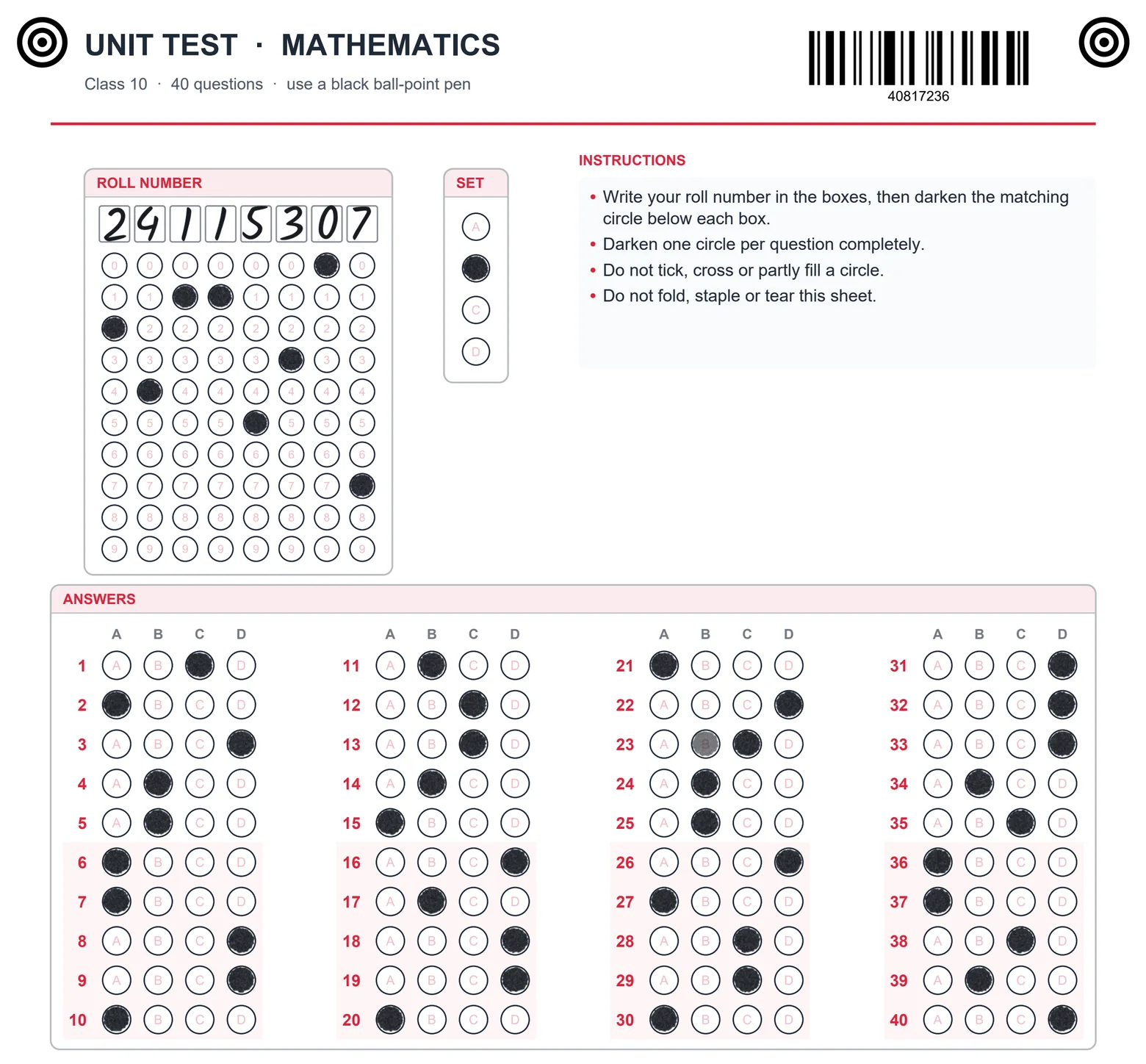
Pick a ready sheet or make your own. Add bubbles, roll numbers, codes and handwriting boxes. Print on plain paper.
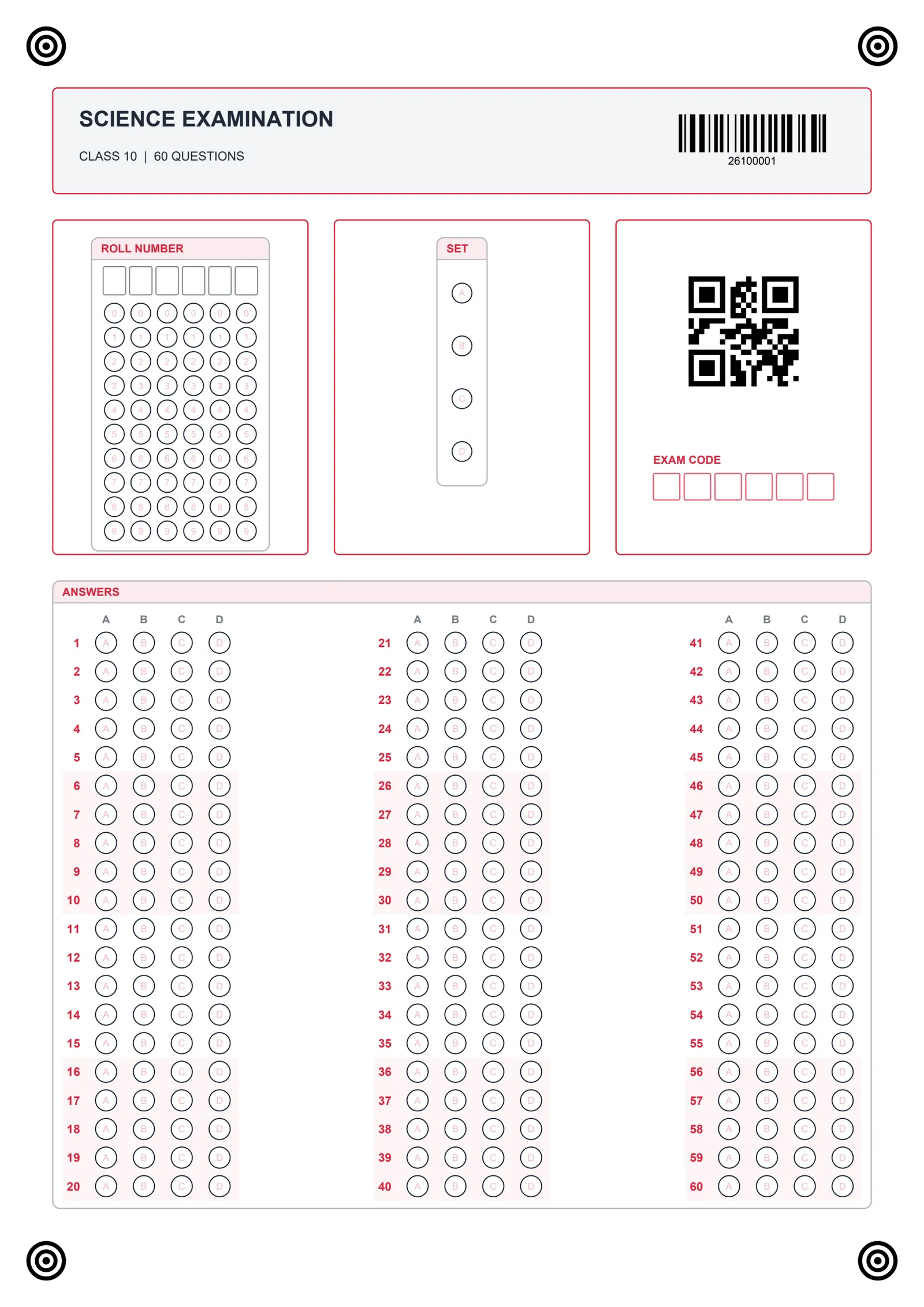
Make your sheet. Read the scans. Check the flags and share the results. All on your PC.
Pick a ready sheet or make your own. Add bubbles, roll numbers, codes and handwriting boxes. Print on plain paper.
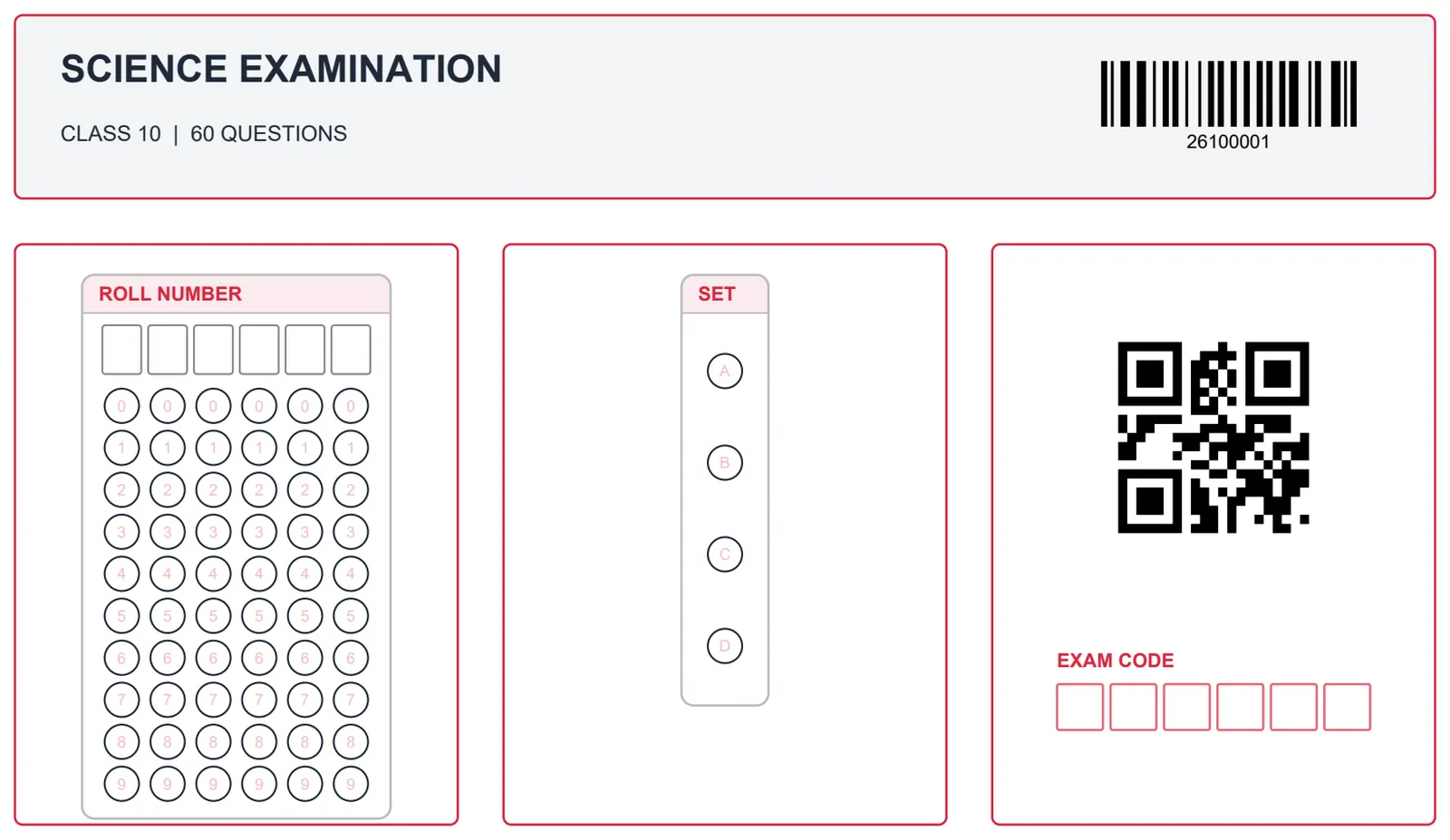
Roll numbers in bubbles, barcodes, QR codes and handwritten numbers in boxes, all read on your PC.
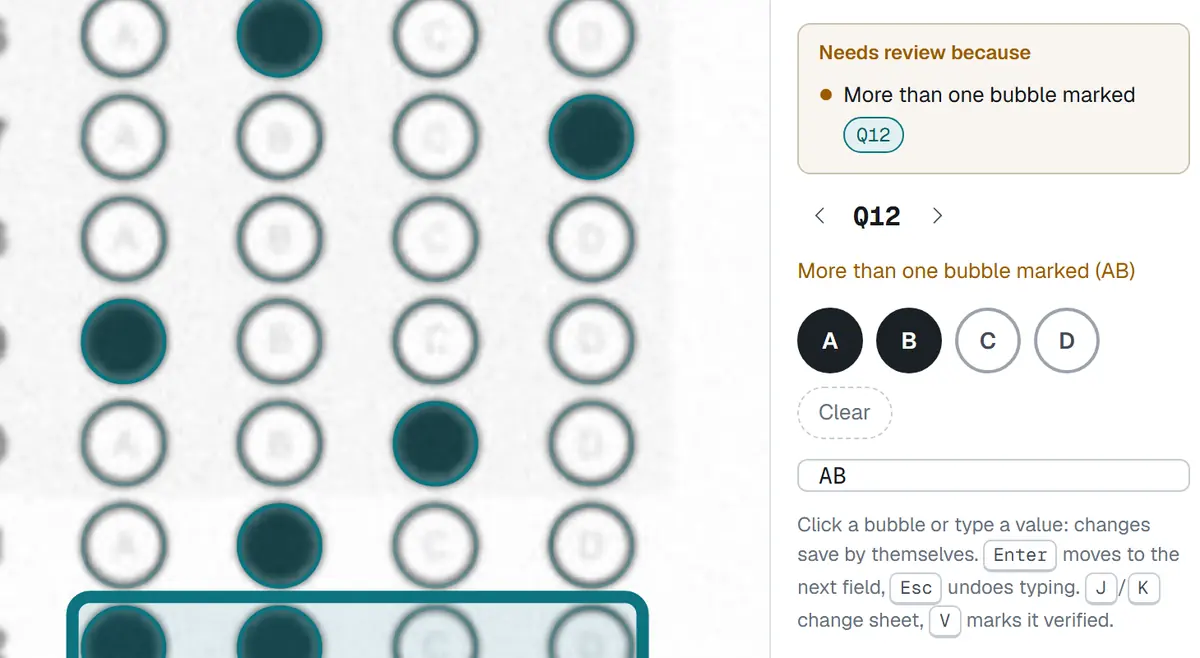
See an unclear or double mark beside the original scan. Choose the right answer with a click.
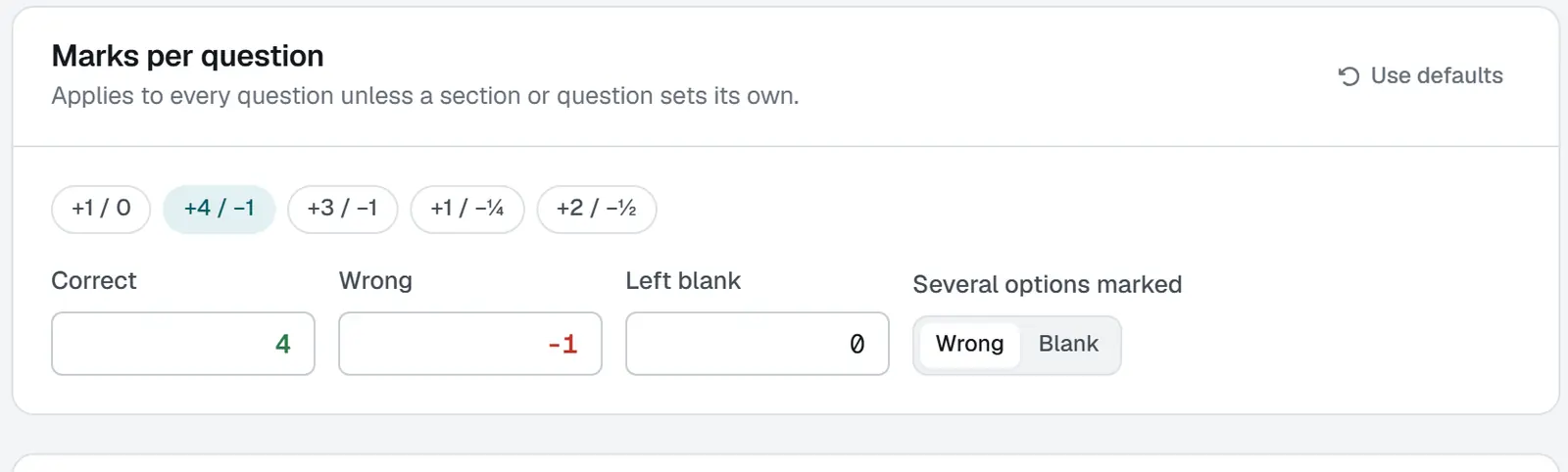
Set your marks per question, negative marks, sections, sets and grades. Do it once for the exam.
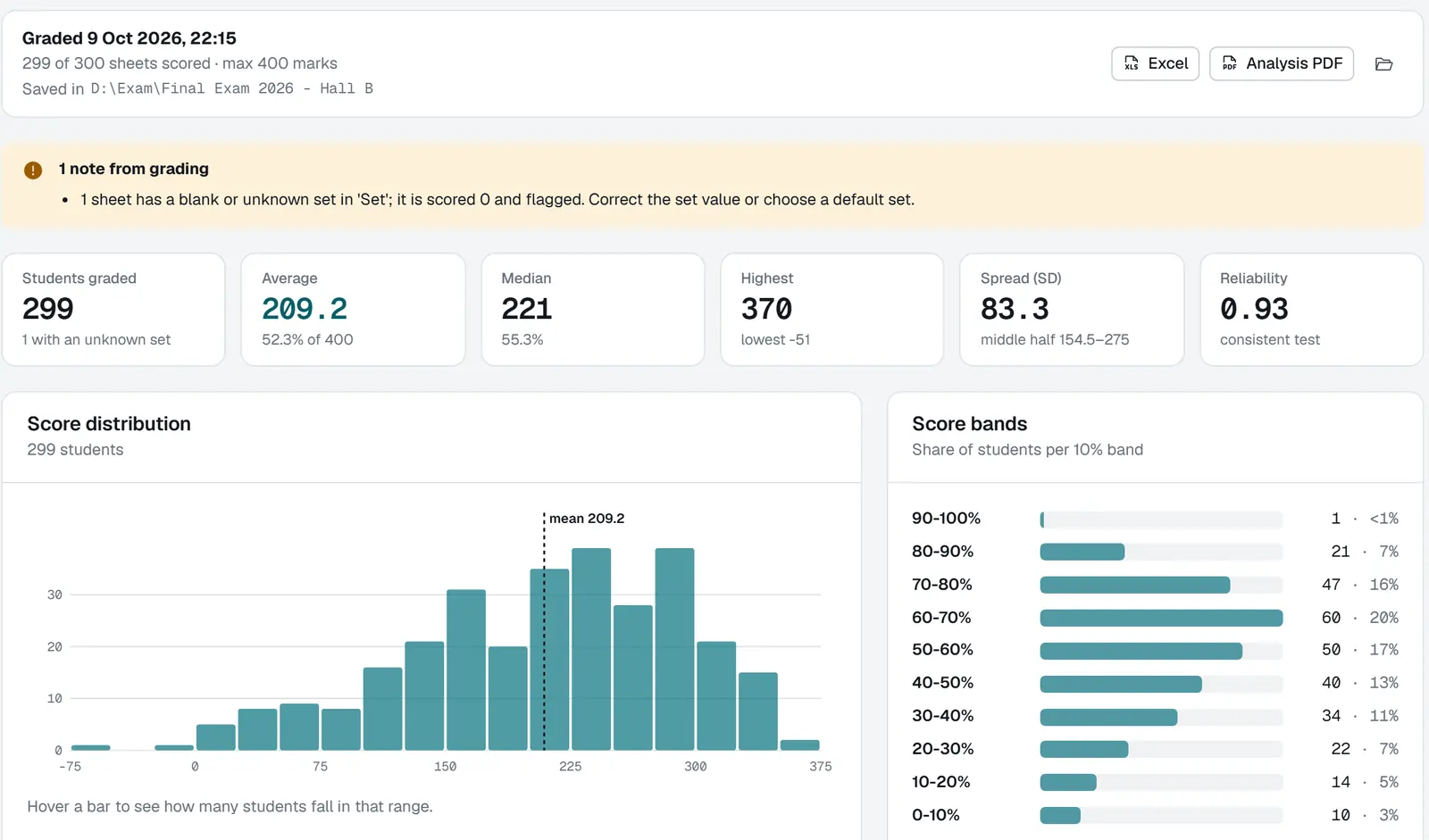
Excel results, a PDF class analysis, a report card for every roll number and checked-sheet images.
Handwritten numbers in boxes are read on your PC. For harder handwriting, turn on Google AI with your own key.
Only the boxes you pick go to Google. Read the privacy policy before you use it.
How your data is handledPrint a few sheets, scan a small batch and check the results yourself.
10,000 scans or 7 days, whichever comes first. Internet is needed at activation and each batch.